








Generator
Historia
Generátor planów AI
Wijzigingshulpmiddel
Model
Basis
Przełącz
Pokoje
sypialnia
-
2
+
łazienka
-
1
+
Kuchnia
otwarty
zamknięty
Powierzchnia brutto
Jednostka Metryka
 imperial
Metryka imperialArea
< 50㎡
50-80㎡
80-100㎡
100-120㎡
120-150㎡
> 150㎡
Dodatki
walk-in closet
laundry room
storage room
utility room
home office
garage
pantry
combined living-dining
balcony

Unlock Your Dream Layout with Our Easy Online Floor Plan Creator
Imagine transforming your design ideas into a precise, ready-to-use 2D floor plan in seconds. Ideal House’s AI Floor Plan Generator is the ultimate easy online floor plan creator, designed for everyone from homeowners to real estate professionals. Quickly create floor plans online, explore custom layouts, and visualize your space with unparalleled simplicity and speed. Say goodbye to complex floor plan software and hello to intuitive design.
Generate My Floor Plan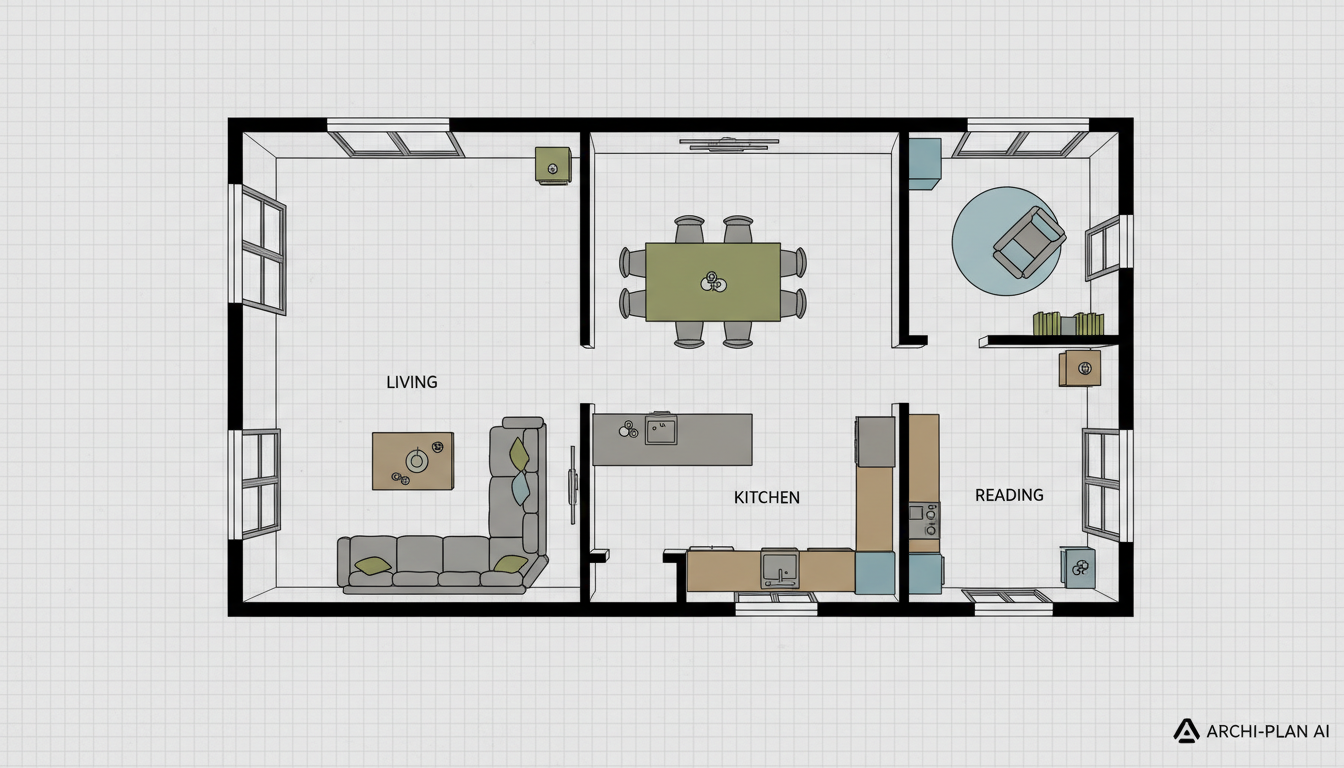


Why Ideal House is Your Best Easy Online Floor Plan Creator

Instant 2D Floor Plans from Simple Inputs
Our AI floor plan maker takes your basic preferences—like the number of bedrooms and bathrooms, kitchen style, and gross area—and instantly drafts a professional 2D floor plan. No more drawing from scratch; just clear, presentation-ready layouts. This easy online floor plan creator simplifies the entire design process, allowing you to create floor plans online with remarkable efficiency.
Smart Customization with AI Floor Plan Maker
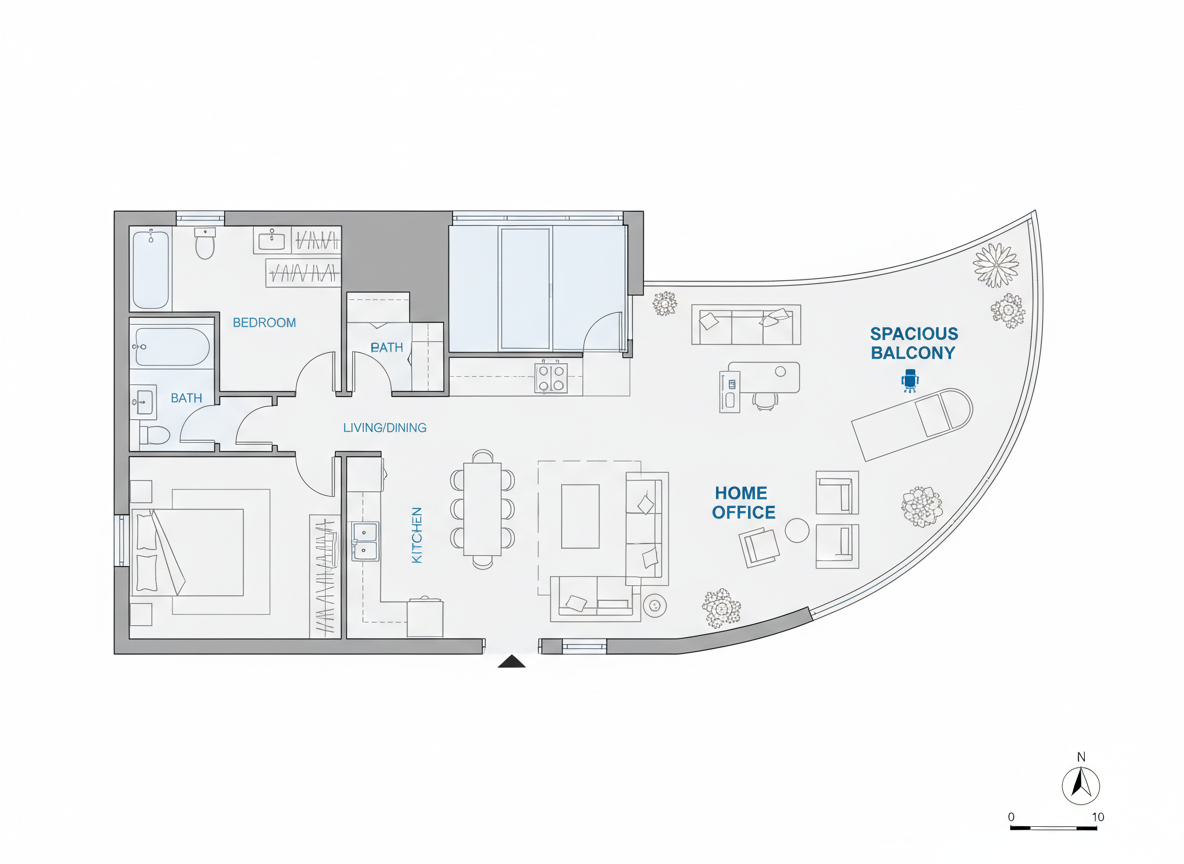
Go beyond basic layouts. Our house plan generator lets you add specific features like a walk-in closet, home office, or balcony, influencing the architectural floor plans generated by AI. This intelligent customization ensures your virtual floor plan reflects your exact needs, making Ideal House the most intuitive and easy online floor plan creator for tailored designs.
Visualize and Iterate with Ease
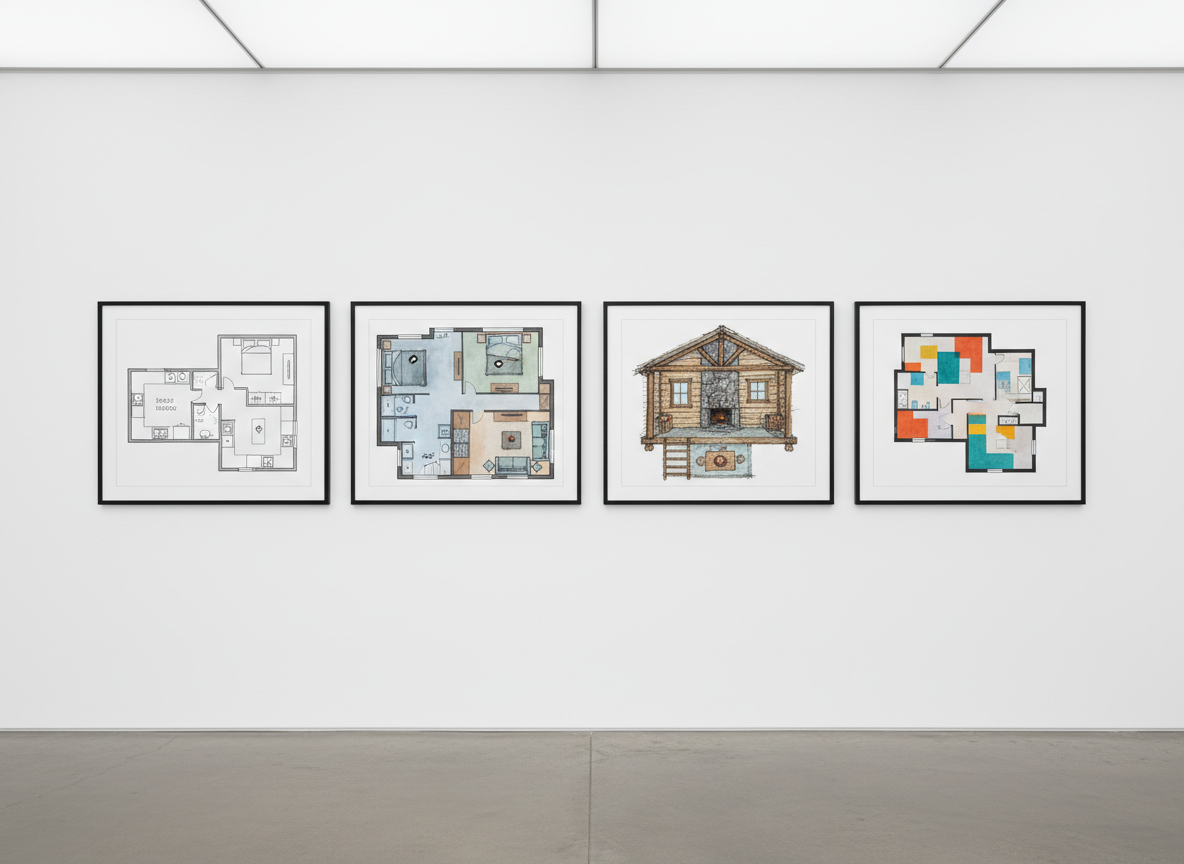
With Ideal House, comparing different design iterations is straightforward. Every generated layout is saved in your history, allowing you to filter, review, and choose the perfect custom floor plan. This interactive floor plan experience makes our tool an easy online floor plan creator for exploring countless possibilities for small house plans or apartment layout planner needs.
Professional-Grade Plans for Any Project
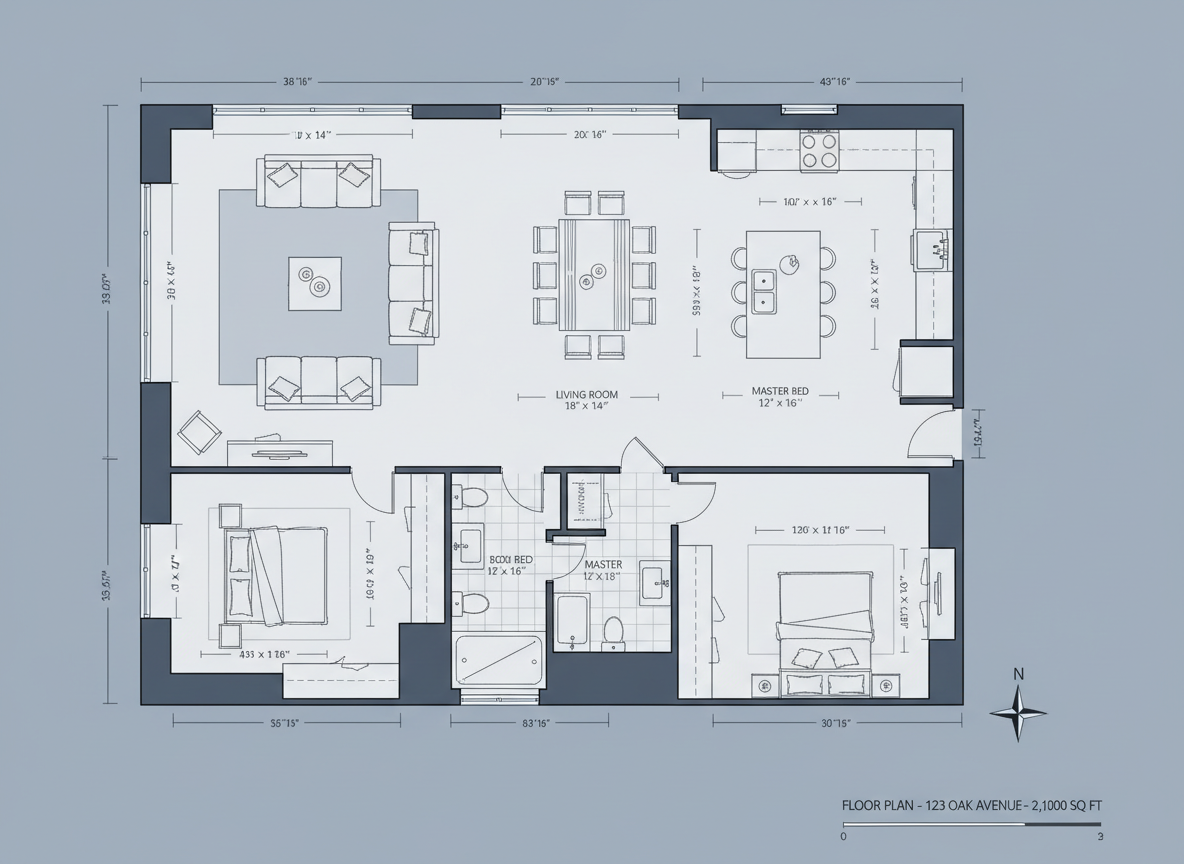
Whether you're a homeowner looking for a room planner online, an interior designer needing quick concepts, or a real estate agent seeking attractive listings, our AI floor plan generator delivers. Create floor plans online that are clear, consistent, and ready for any professional presentation, establishing Ideal House as the go-to easy online floor plan creator for all your home design tool requirements.

Who Benefits from Our Easy Online Floor Plan Creator?

Homeowners & DIY Enthusiasts: Easily visualize potential layouts and modifications for your living space.

Interior Designers & Decorators: Rapidly generate initial concepts and iterate with clients, focusing on flow and aesthetics.

Real Estate Agents & Brokers: Create compelling 2D real estate floor plans for listings to attract buyers and highlight property features.

Your Step-by-Step Guide to Our Easy Online Floor Plan Creator
1
Set Rooms: Begin by selecting the desired number of bedrooms (0-4) and bathrooms (1-3) for your future floor plan.
2
Choose Kitchen Style: Decide between an 'open' or 'closed' kitchen layout to suit your lifestyle and design preferences.
3
Pick Gross Area: Select a gross area range that aligns with your target property size to guide the AI floor plan maker.
4
Add Extras: Enhance your design with features like a walk-in closet, home office, garage, or balcony, shaping your architectural floor plans.
5
Generate & Review: Click 'Generate' to instantly create your 2D floor plan. Review and compare versions in your Generation History.
6
Download & Share: Export your chosen custom floor plan as an image or PDF, ready to share or incorporate into your projects.
FAQs About the AI Floor Plan Generator
How does the AI turn my selections into a precise floor plan?
Our AI floor plan generator interprets your inputs—like beds, baths, kitchen type, and gross area—applying established design principles to create intelligent and functional 2D floor plans. Each generation is a fresh, unique concept.
What are the available ranges for rooms and features?
You can select 0-4 bedrooms (default 2), 1-3 bathrooms (default 1), and choose between open or closed kitchens (default open). Gross area is selected from predefined ranges, and extras like walk-in closets or home offices can be multi-selected.
What influence does 'Gross Area' have on the final design?
The 'Gross Area' selection guides the overall scale and proportion of the rooms and common areas, ensuring the generated architectural floor plans feel realistic and well-balanced for your chosen footprint. It's crucial for realistic virtual floor plans.
How do 'Open' vs. 'Closed' kitchen options affect the layout?
An 'Open' kitchen fosters a continuous flow with living and dining spaces, ideal for modern, social living. A 'Closed' kitchen creates a distinct, separate cooking zone, offering privacy and containing odors, impacting the overall home design tool outcome.
What role do 'Extras' play in shaping my floor plan?
Adding 'Extras' like a laundry room, pantry, or combined living-dining tells our AI floor plan maker to prioritize and strategically place these elements within your custom floor plan, optimizing functionality and flow. It helps create truly personalized small house plans or apartment layout planner designs.
Can I compare different generated floor plan versions?
Absolutely! All your generated floor plans are automatically saved in your 'Generation History.' You can easily filter and view them in grid or list format to compare and select your preferred 2D floor plan.
How fast is the generation process and credit usage?
Most floor plans are generated in mere seconds. Each click of the 'Generate' button consumes the credits displayed, and all results are stored for your convenience. This makes it an incredibly efficient easy online floor plan creator.
Is the AI Floor Plan Generator compatible with tablets?
Yes, our easy online floor plan creator is fully responsive and optimized for browser use on various devices, including tablets like the iPad. Your settings will persist, making it convenient for on-the-go design.
Enhance Your Vision with Related Ideal House Tools
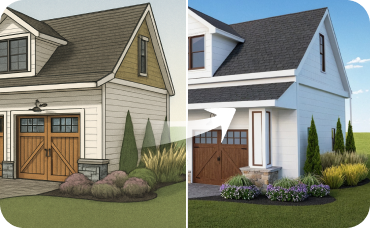
AI 3D Rendering
Turn your favorite 2D design into an immersive 3D model and get a true feel for the space.
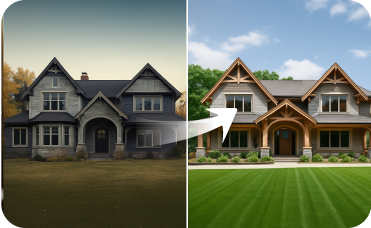
Exterior Renovator
Ensure your home's curb appeal matches its serene interior by testing new paint colors, siding, or landscaping.
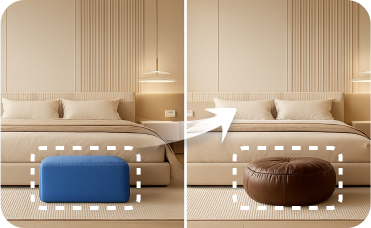
Smart Replacer
Change specific details beyond furniture, like swapping light fixtures, updating windows, or adding artwork.
Ready to Design Your Space with an Easy Online Floor Plan Creator?
Transform your ideas into stunning 2D floor plans in minutes. Our AI Floor Plan Generator is the fastest, easiest way to create floor plans online.
Generate My Floor Plan
💰 Ontvang 10% commissie als affiliate-partner van Ideal House.
Sluit je aan